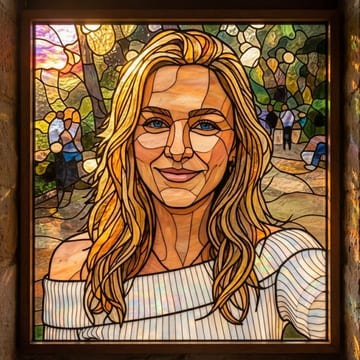
turn your photo into a die-cut sticker
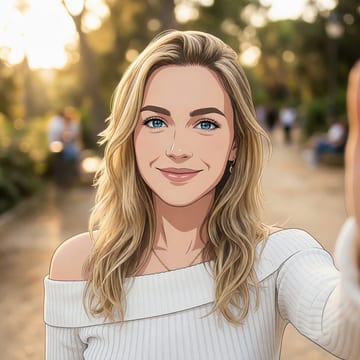
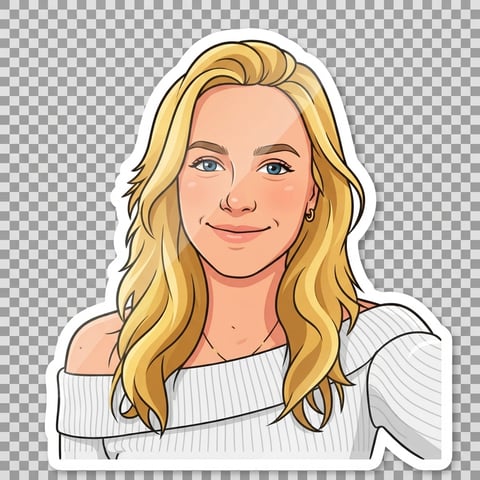
make any photo into a glossy die-cut cartoon sticker: bold clean outline, simplified vibrant shading, and a thick white border, ready to print or post.
style
drop a photo here, or click to choose
jpg, png or webp · up to 10mb · your photo is only used for this conversion
about the sticker converter
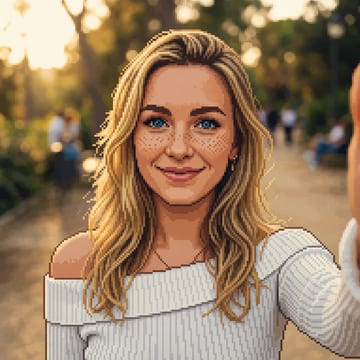
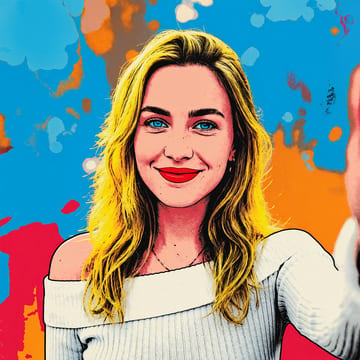
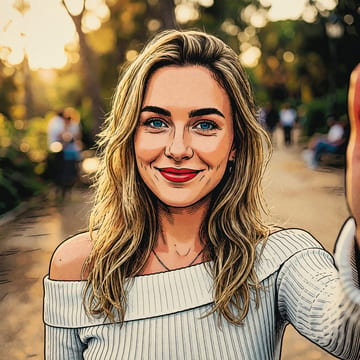
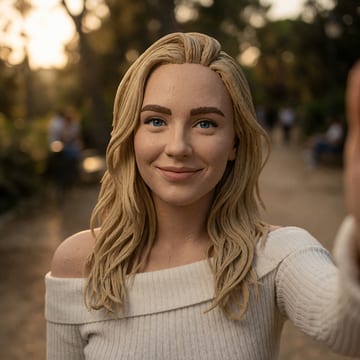
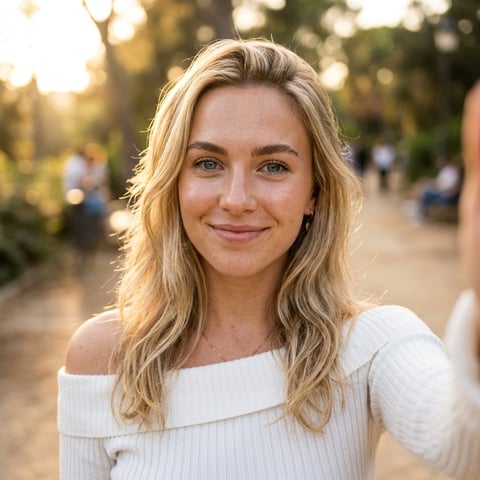
The sticker converter turns your photo into a glossy die-cut cartoon sticker: a clean bold outline, simplified flat cel shading, punchy saturated colors, and a thick white border around the subject on a plain backdrop. It keeps your face, expression and pose recognizable while packaging you as a ready-to-post sticker — great for chat apps, laptops, and social media. Clear, close-up photos with a visible expression make the liveliest stickers.
how it works
upload a photo
jpg, png or webp — straight from your phone is fine.
convert
a production-grade ai model does the work in ~15–40 seconds.
download
full-resolution artwork, yours to keep and post anywhere.
simple one-time pricing
no account. no subscription. buy once, use on every tool.
starter pass
$3.99
10 conversions across every tool — yours forever, no subscription
≈ $0.40 per conversion
creator pass
$9.99
40 conversions across every tool — best value, no subscription
≈ $0.25 per conversion
create a free selfielab account later and unused conversions become studio credits
questions, answered
does it have a transparent background?+
the sticker is rendered with a clean die-cut white border on a plain backdrop; you can remove the remaining background with our background remover if you need a transparent png.
can i make stickers of my pet or friends?+
yes — any clear photo of a person or pet works, and everyone keeps their real features in the sticker style.
will the sticker version still look like me?+
yes — the conversion keeps the same person, pose and composition, so the result is clearly recognizable as you, rendered in the new style.
can i try other styles with the same pass?+
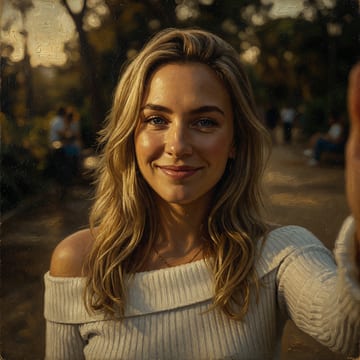
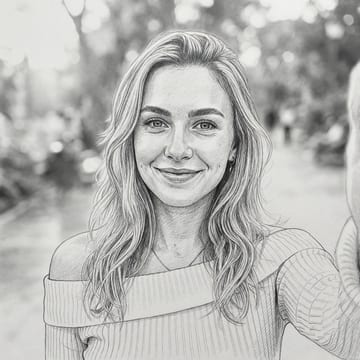
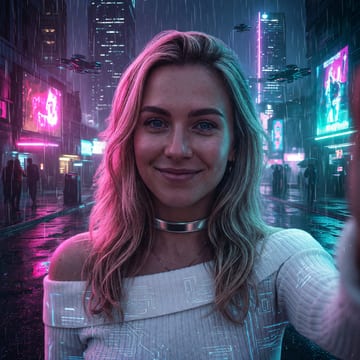
yes. one pass works across every style and every tool on this site — anime, watercolor, oil painting, headshots, background removal and photo restoration.
do i need an account?+
no. you can buy a one-time pass with just a card — the pass lives in your browser. if you later create a free selfielab account, any unused conversions convert into studio credits.
is this a subscription?+
no. passes are a single one-time payment. your conversions never expire and there is nothing to cancel.
what happens to my photo?+
your photo is uploaded securely, used for this conversion, and isn't shared or used to train models. you own the result.
what resolution do i get?+
full-resolution output, no watermark. every conversion is yours to download and post anywhere.