be the next great content creator
Simply chat to create and edit your pictures and videos.
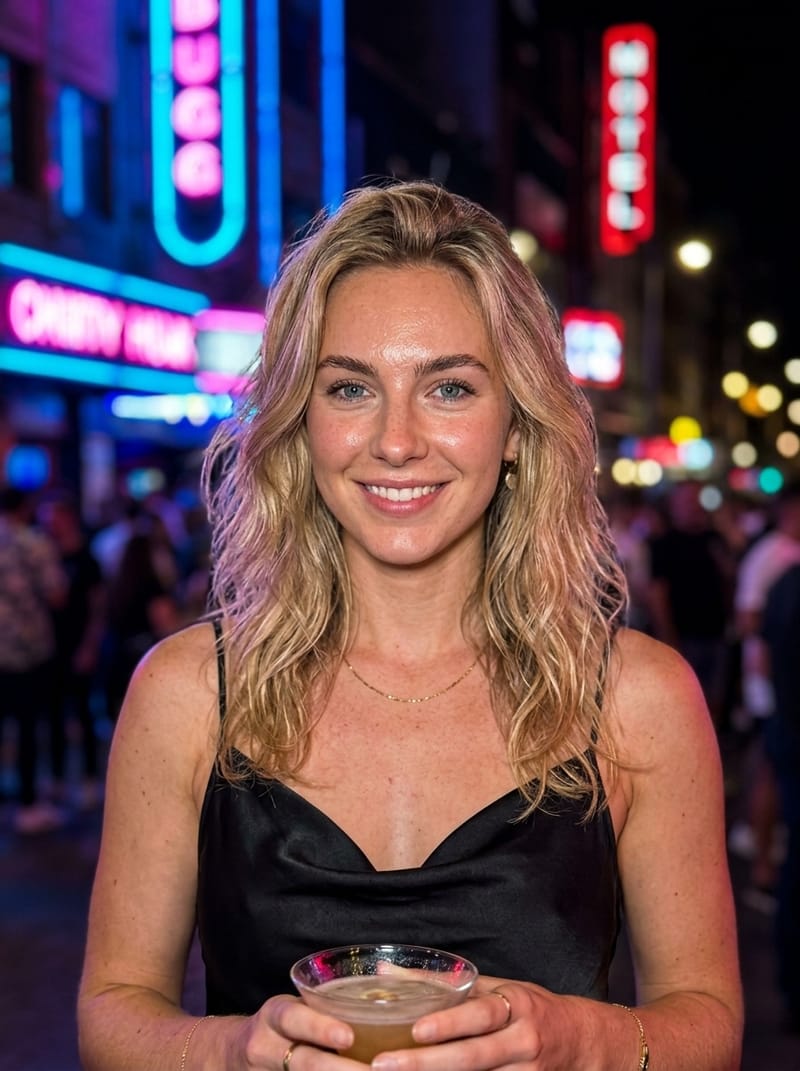
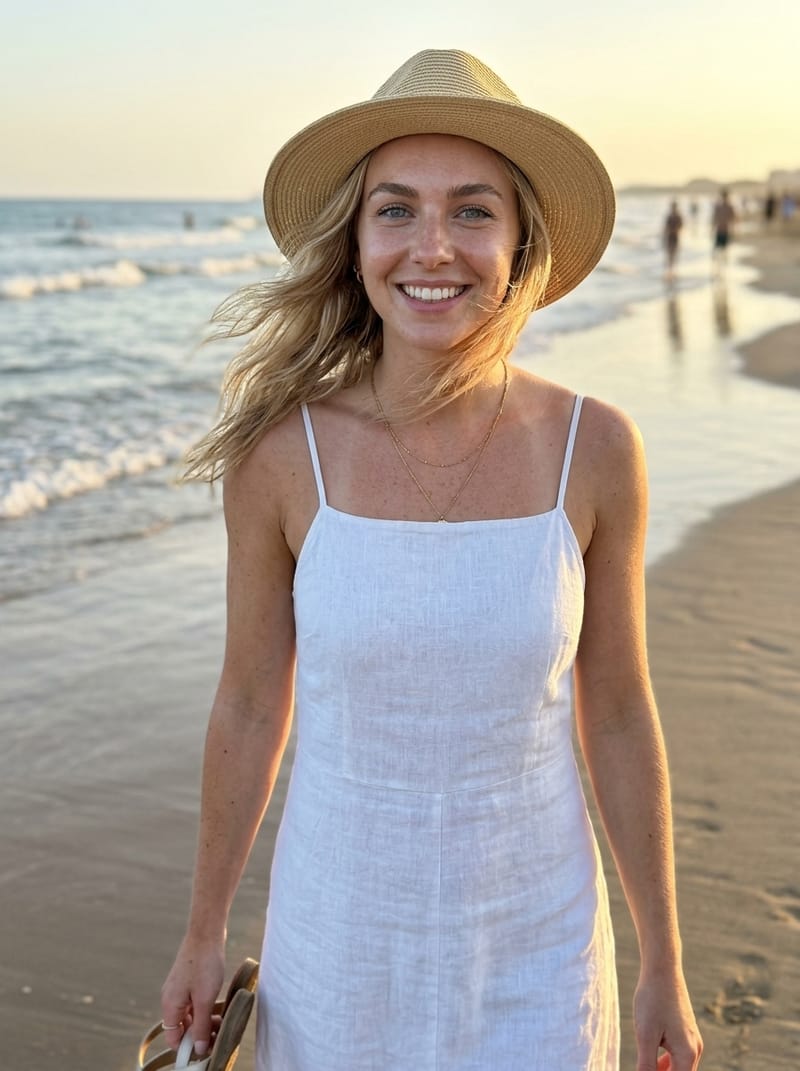
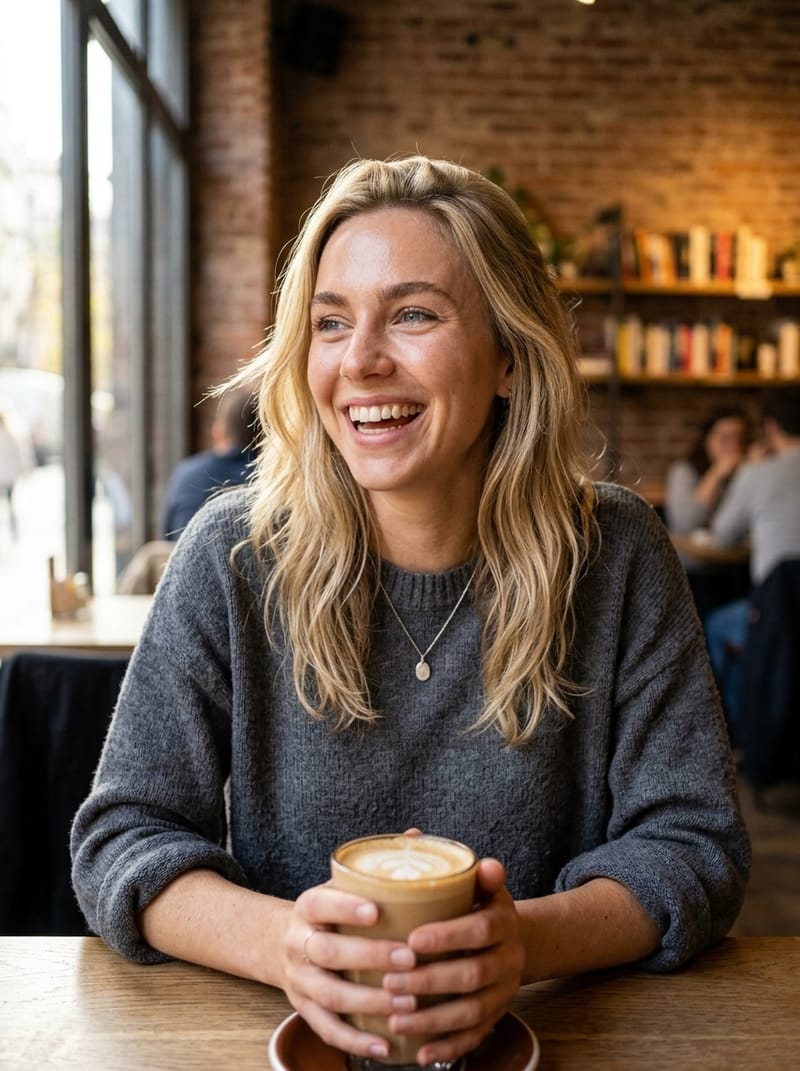
any scene
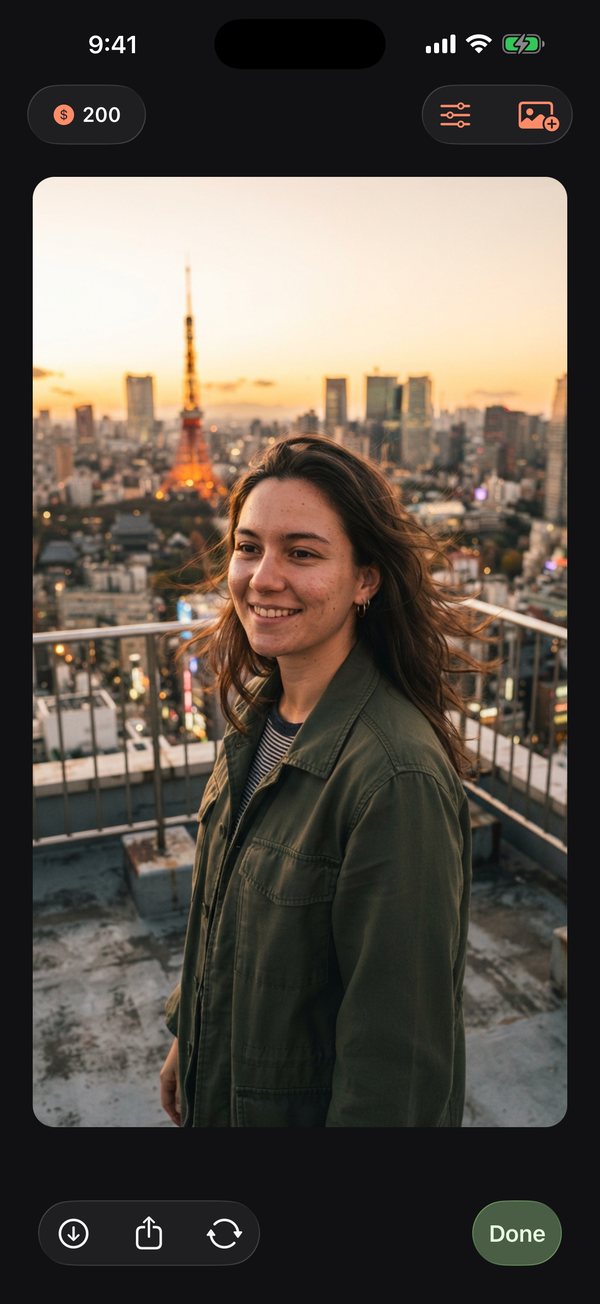
just generated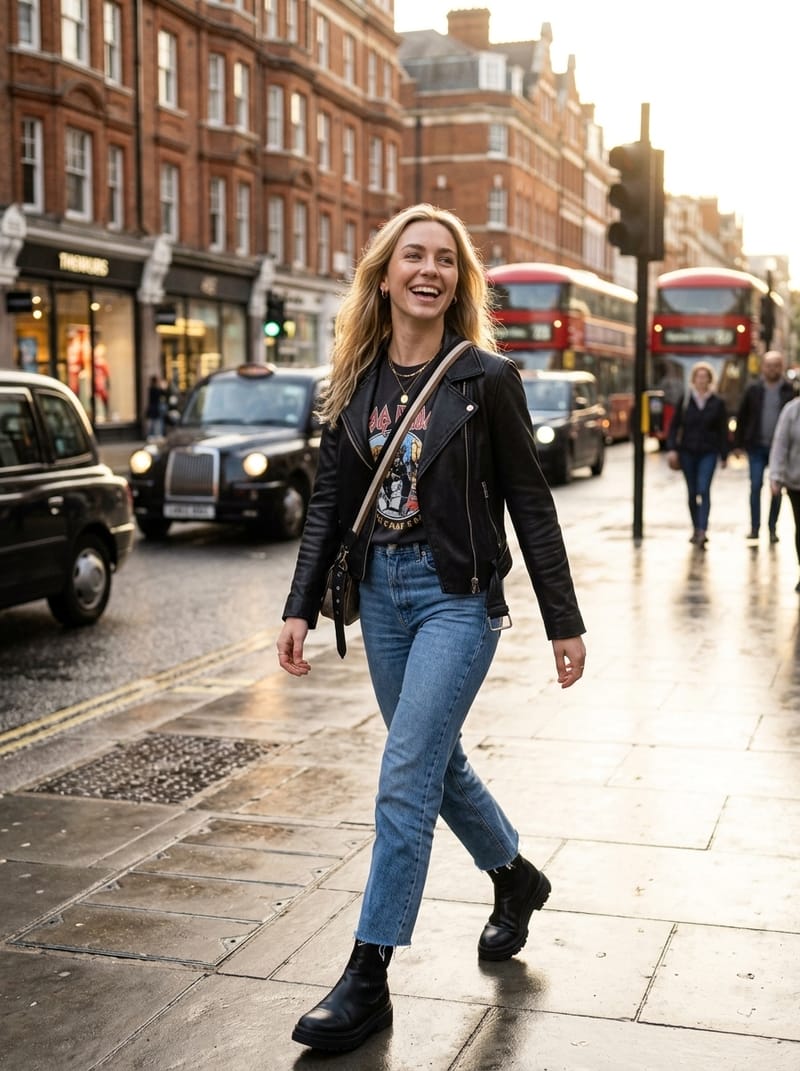 maya tokyo rooftop
your pocket photo studio
Create and edit your pictures on the go. Your library stays in sync.
type it, see it
type a sentence and get an image.
edit with words
describe the change and only that changes. new outfit, new city, new light.
one tap styles
tap a style to change the look. vintage film, noir, golden hour.
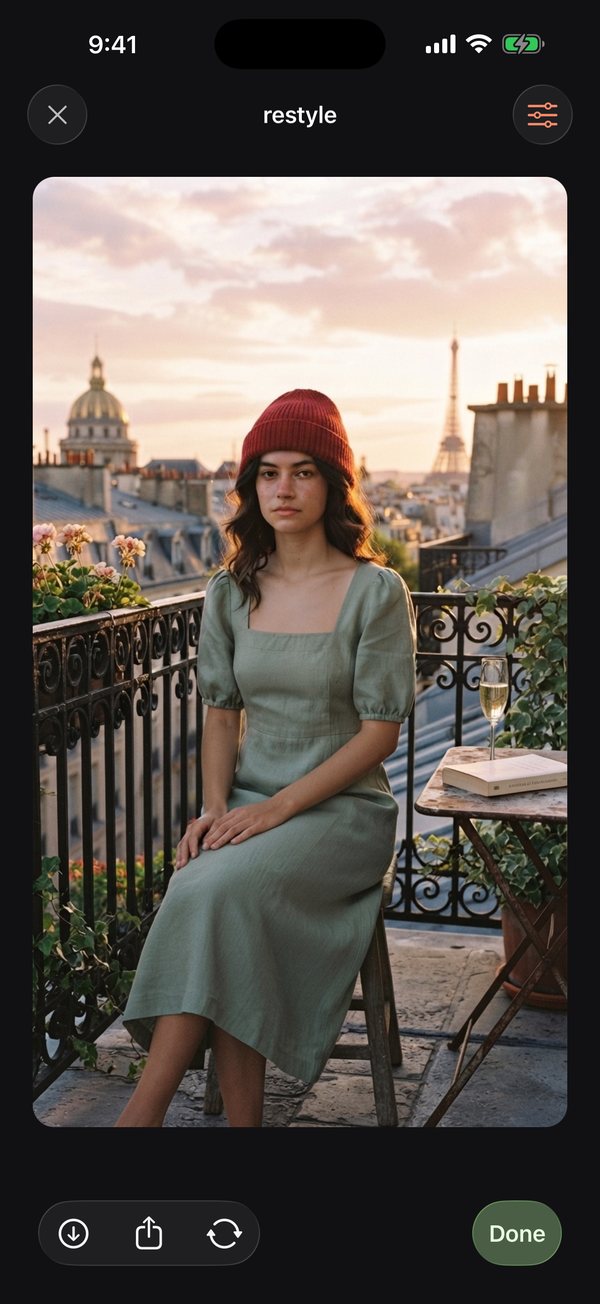
make content from one image.
add characters
Drag characters, outfits, locations, and props onto the canvas.
tell the agent
Type the shot, like "maya on a tokyo rooftop at golden hour." It uses the same face.
change the shot
Restyle, re-pose, swap the location, or turn it into video.
gallery
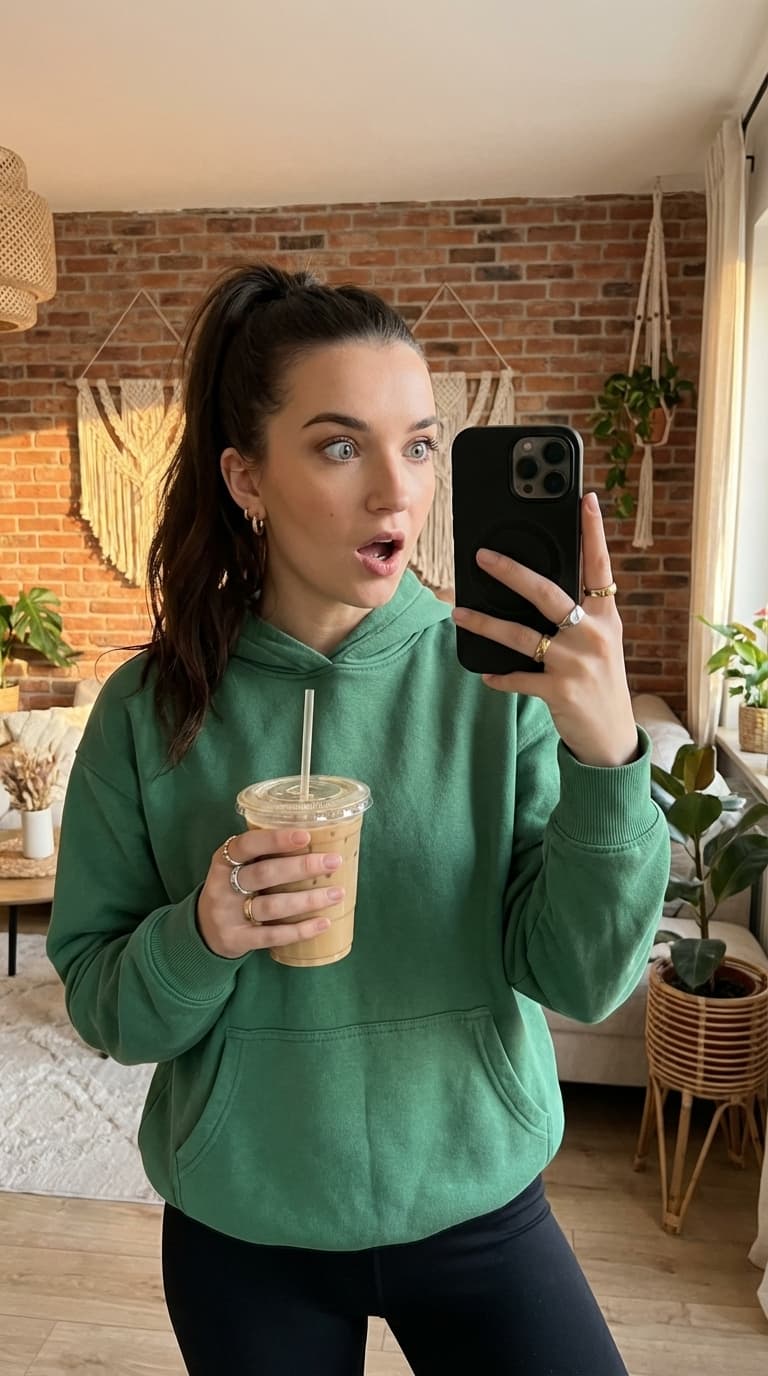
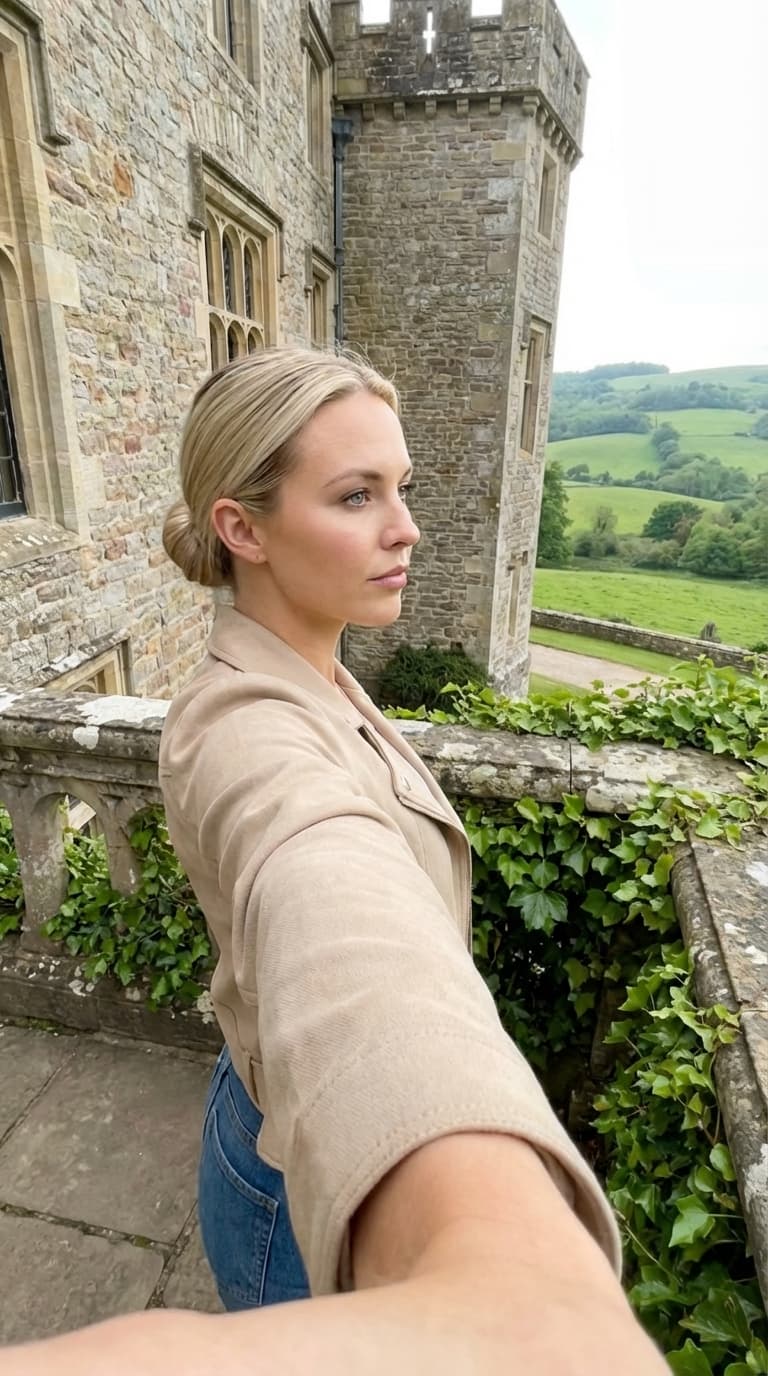
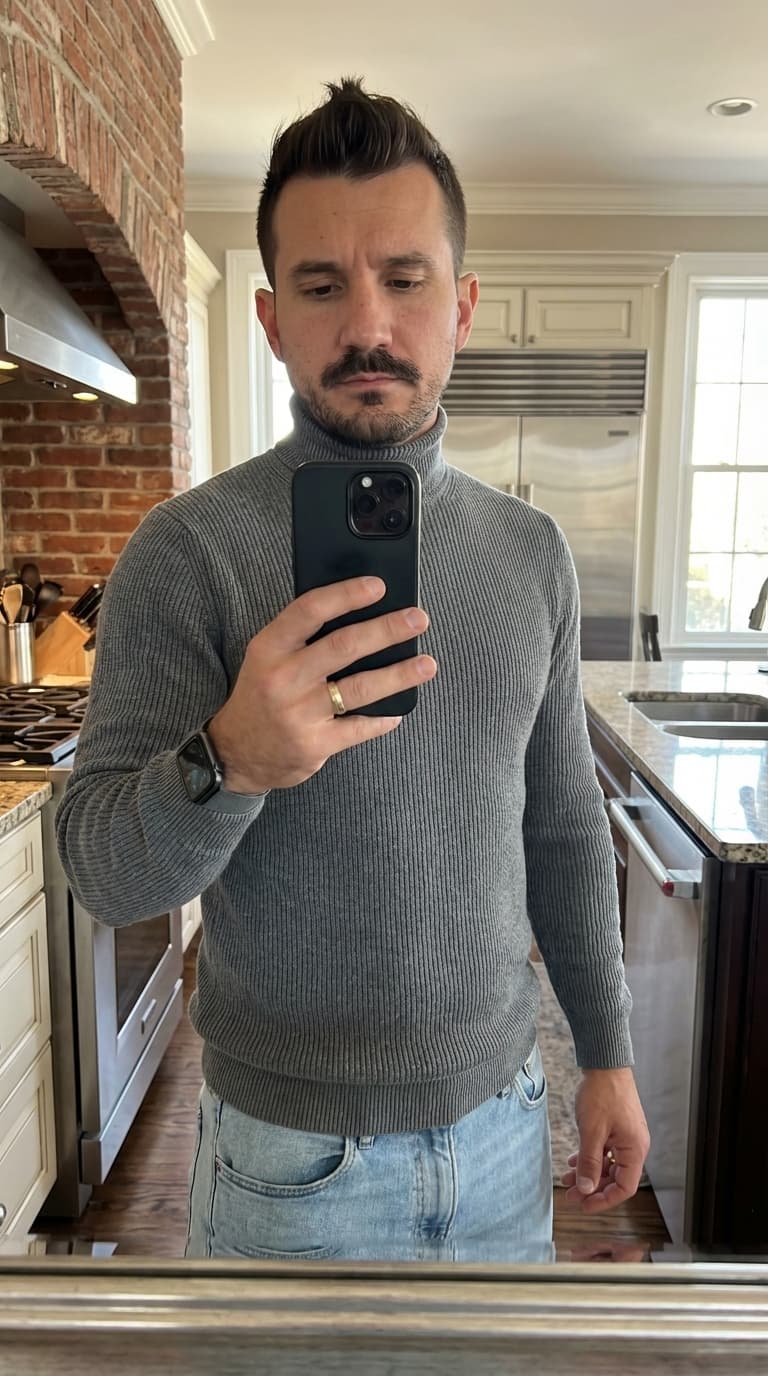
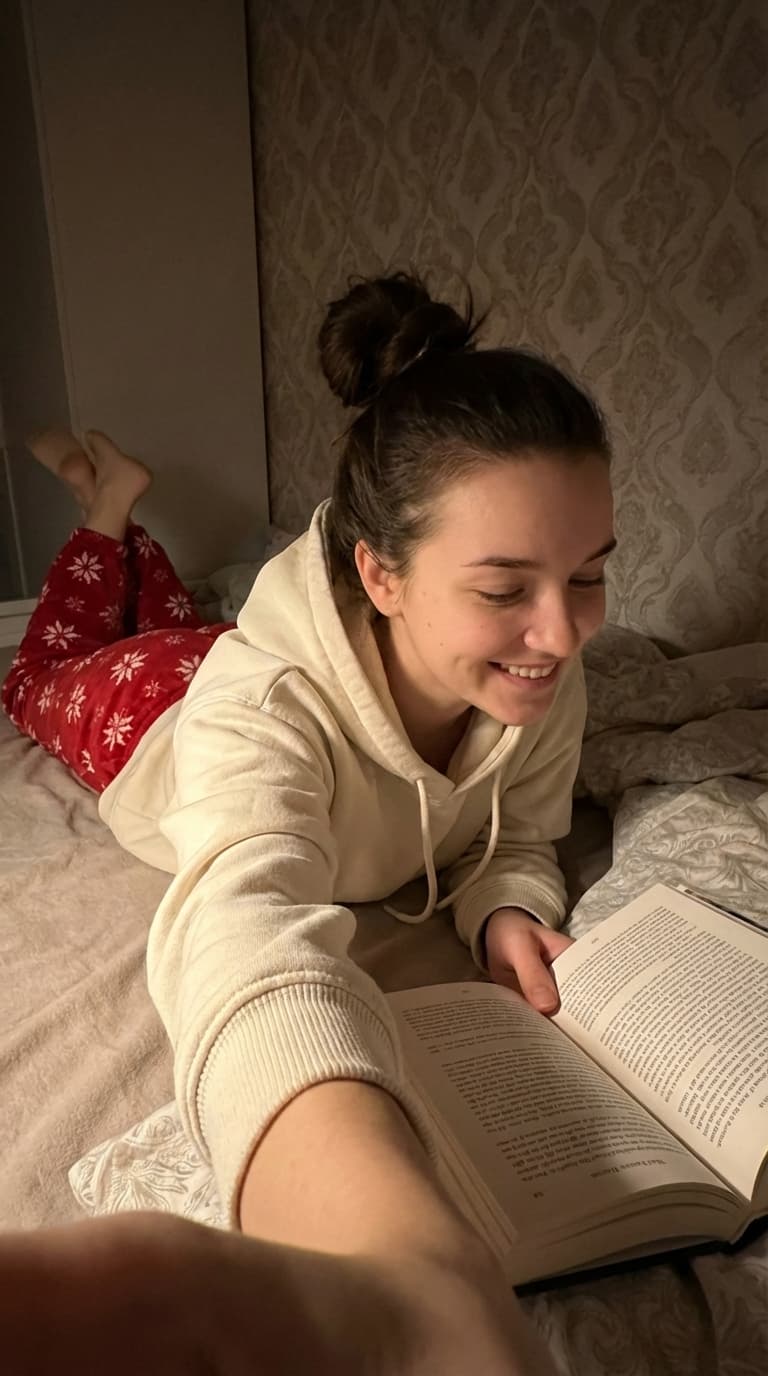
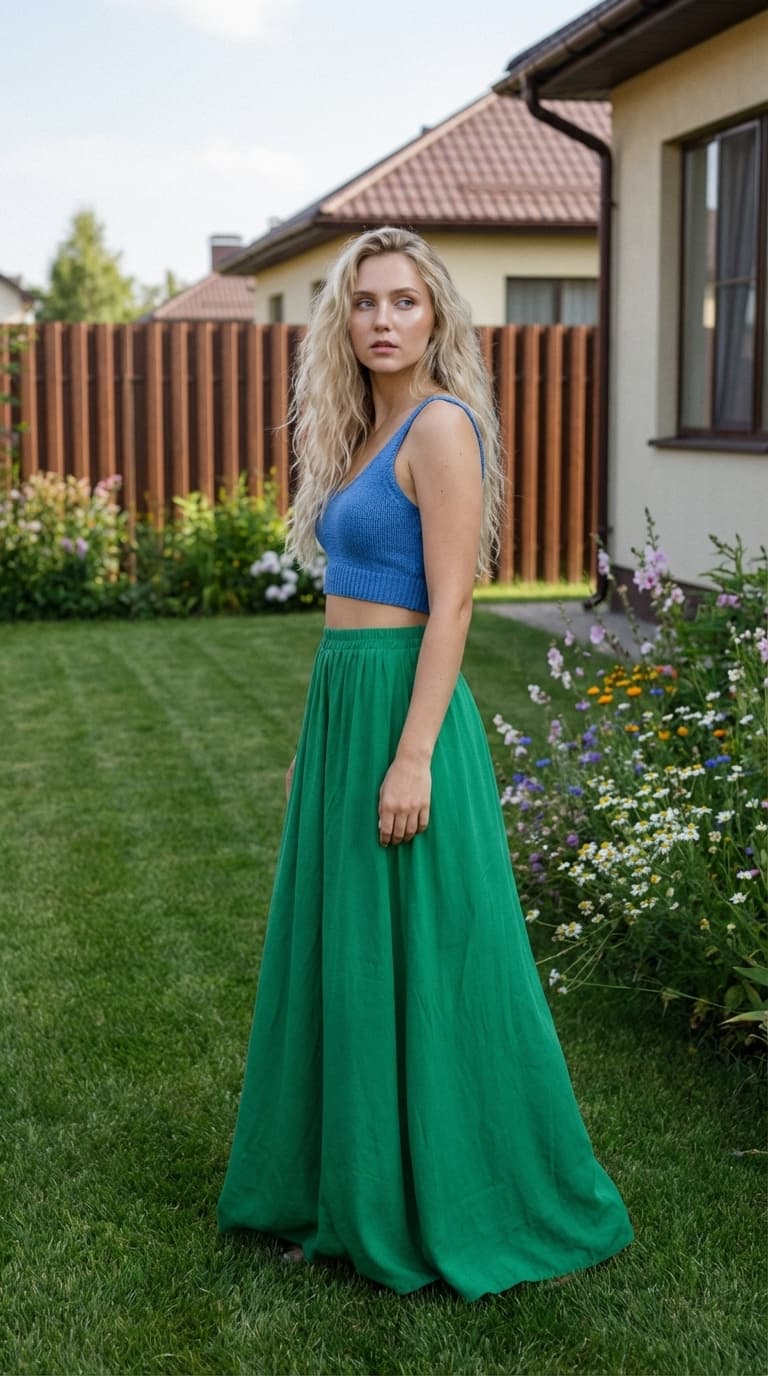
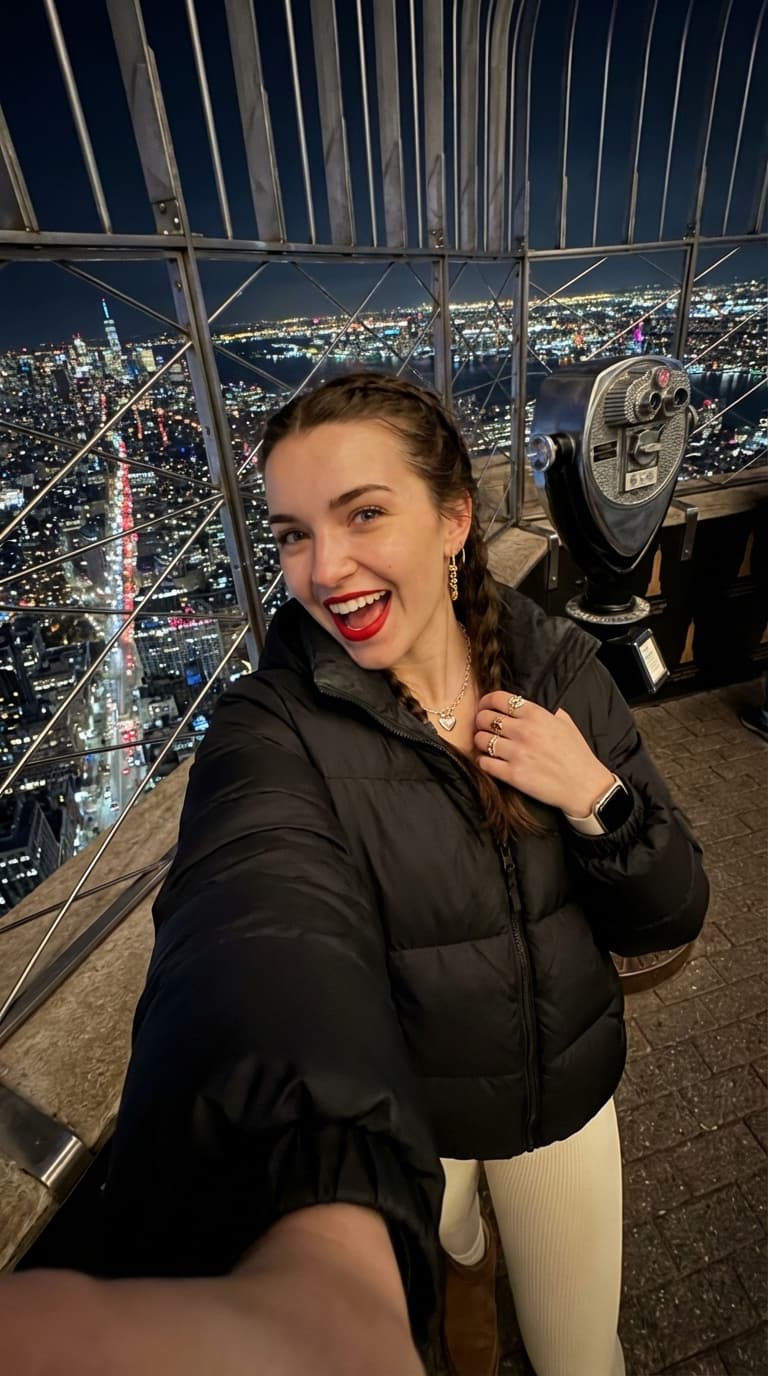
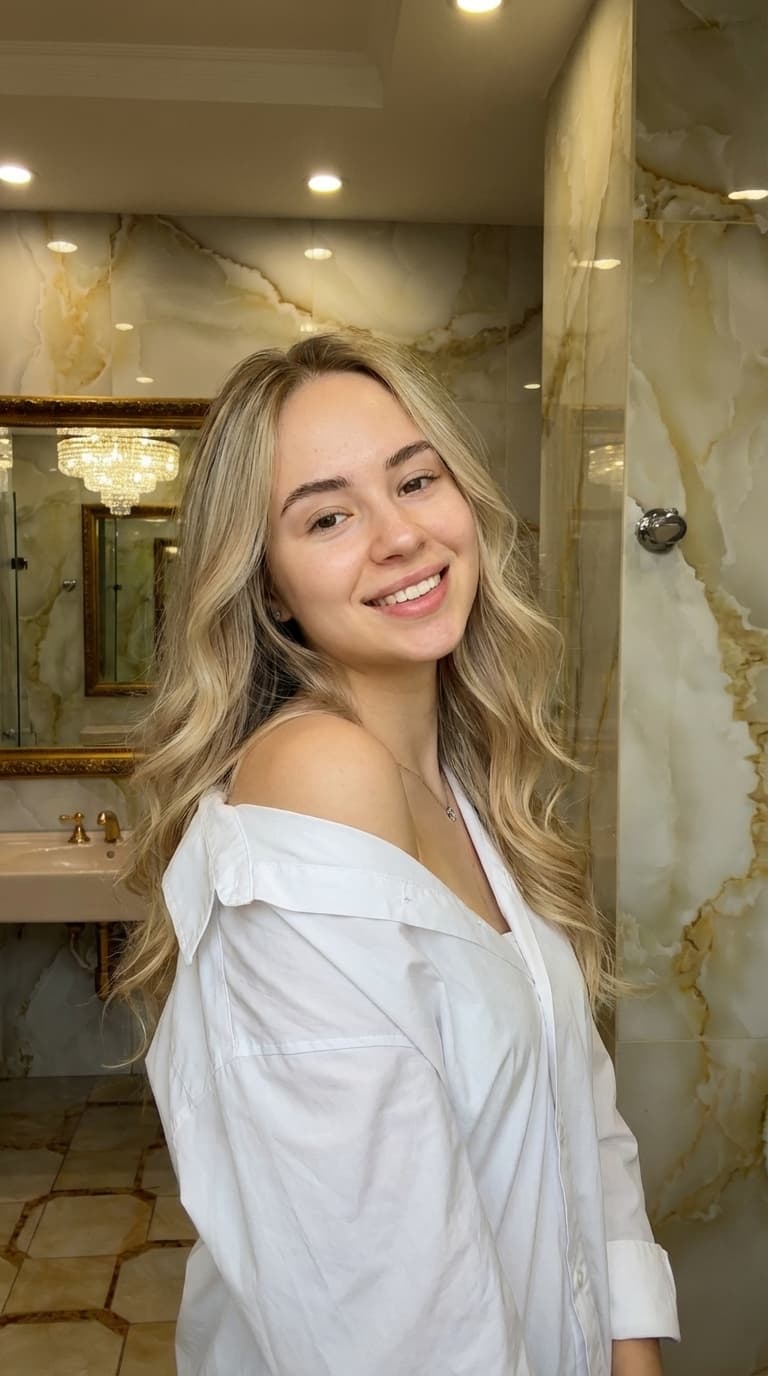
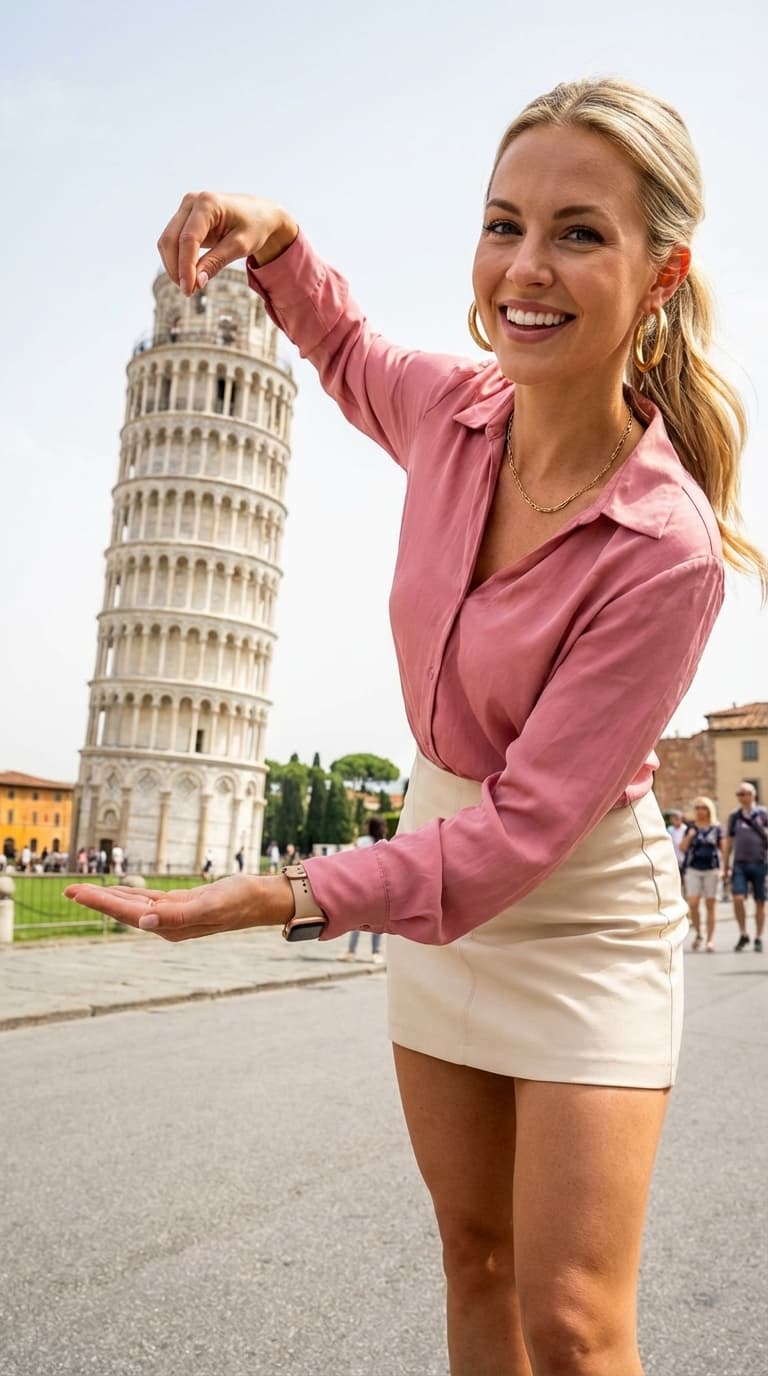
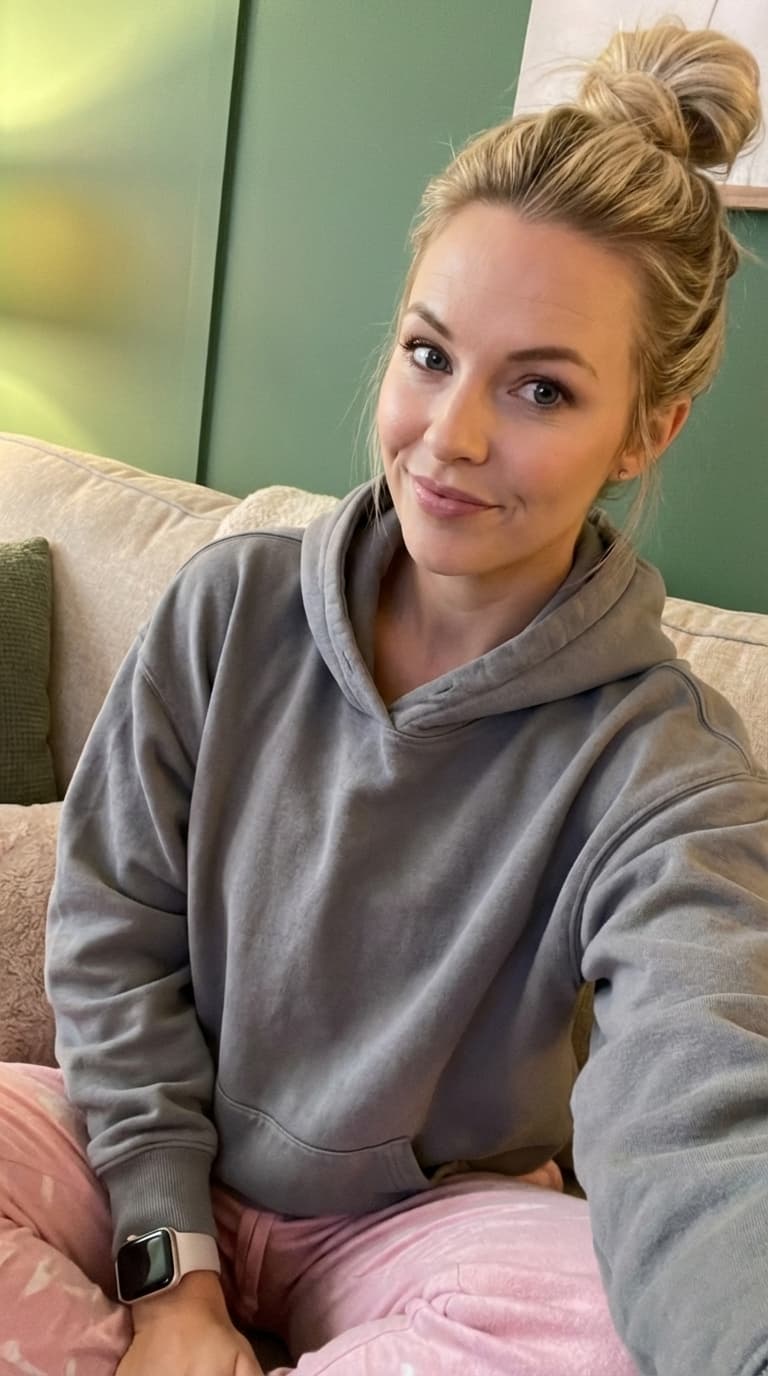
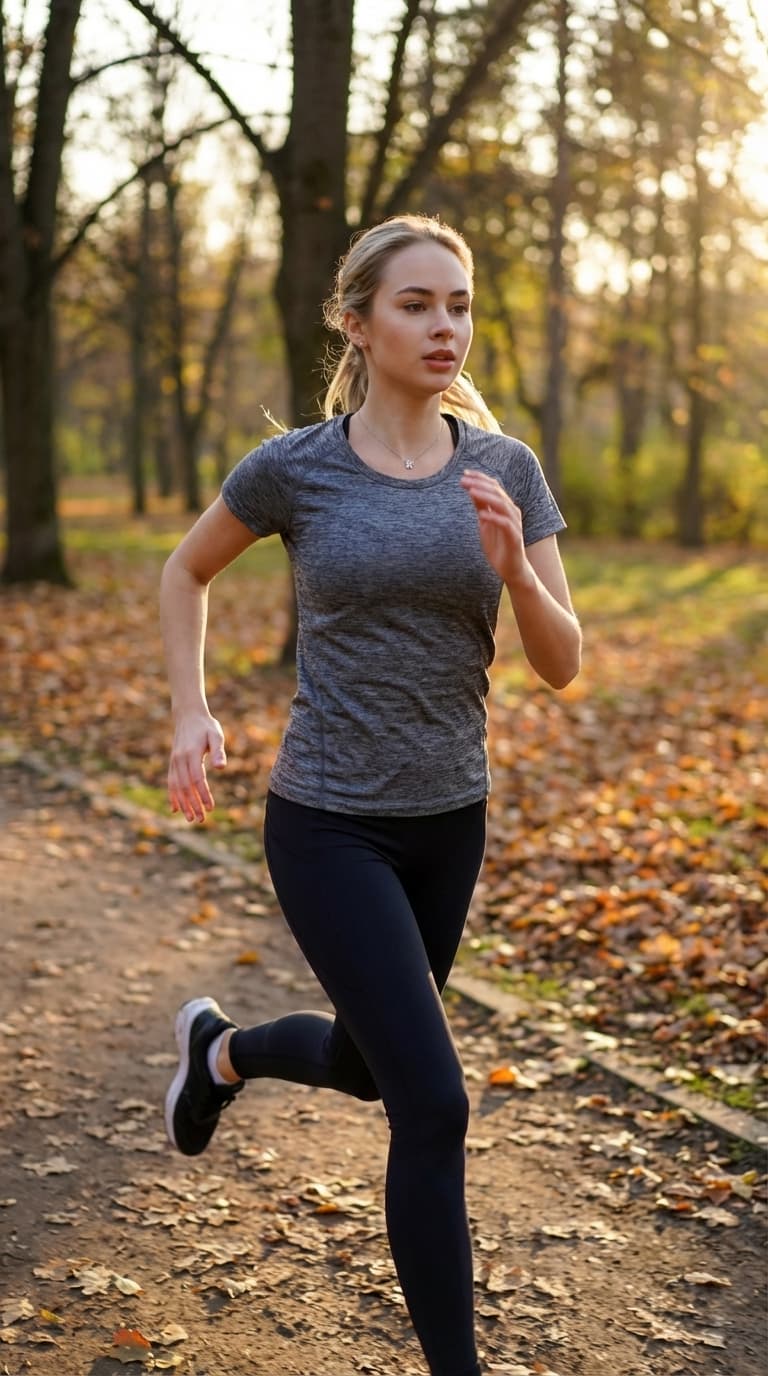
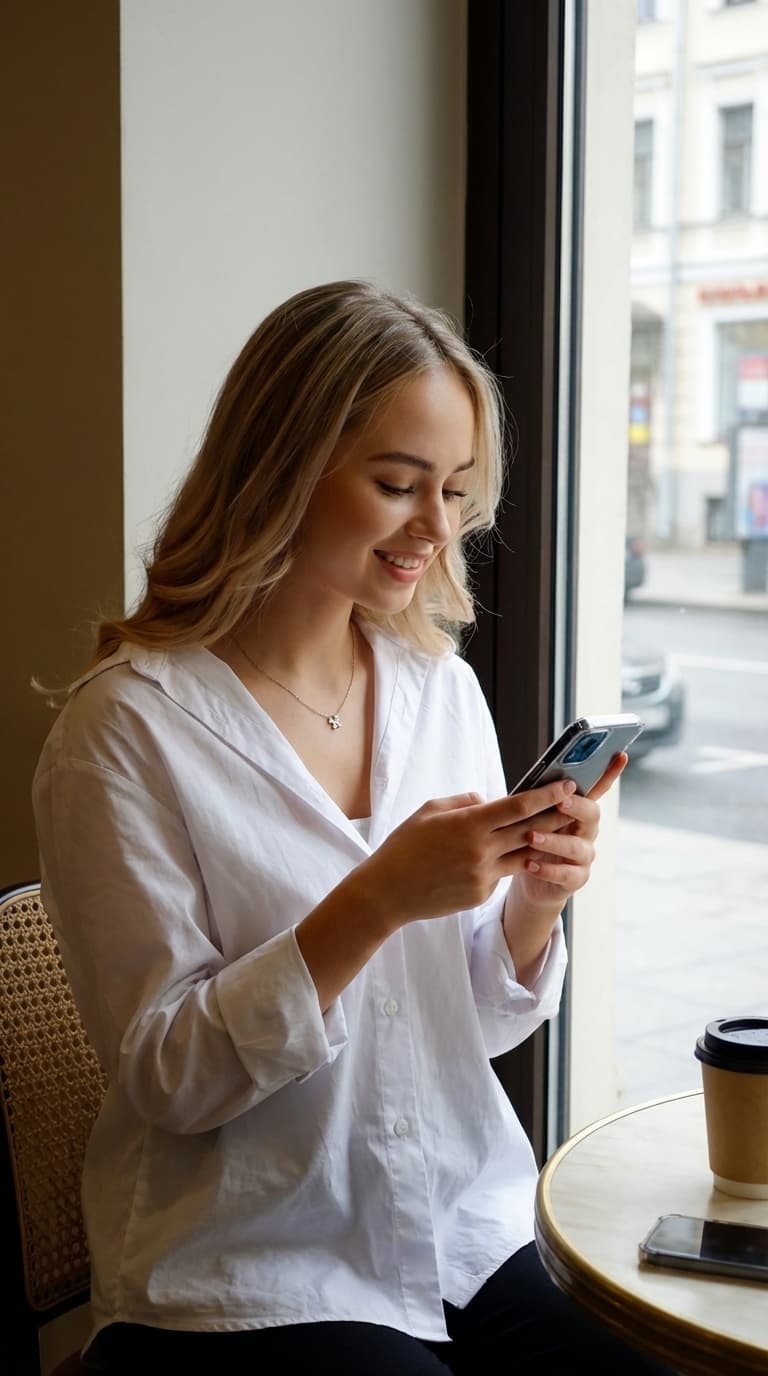

all images were generated with selfielab
subscriber perk
characters, props, and locations
subscribers claim characters, outfits, props, and locations. basic gets 5, pro gets 15, studio gets the whole collection.
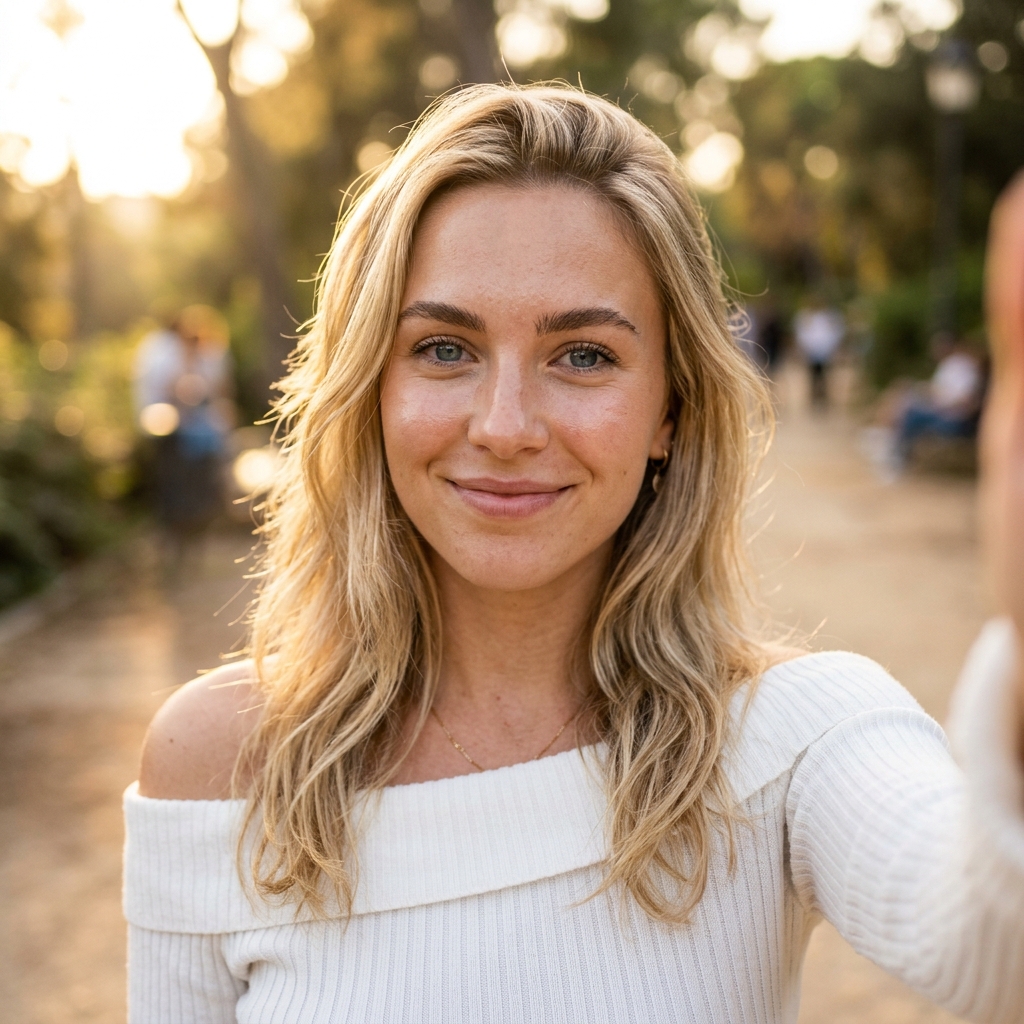
zoe
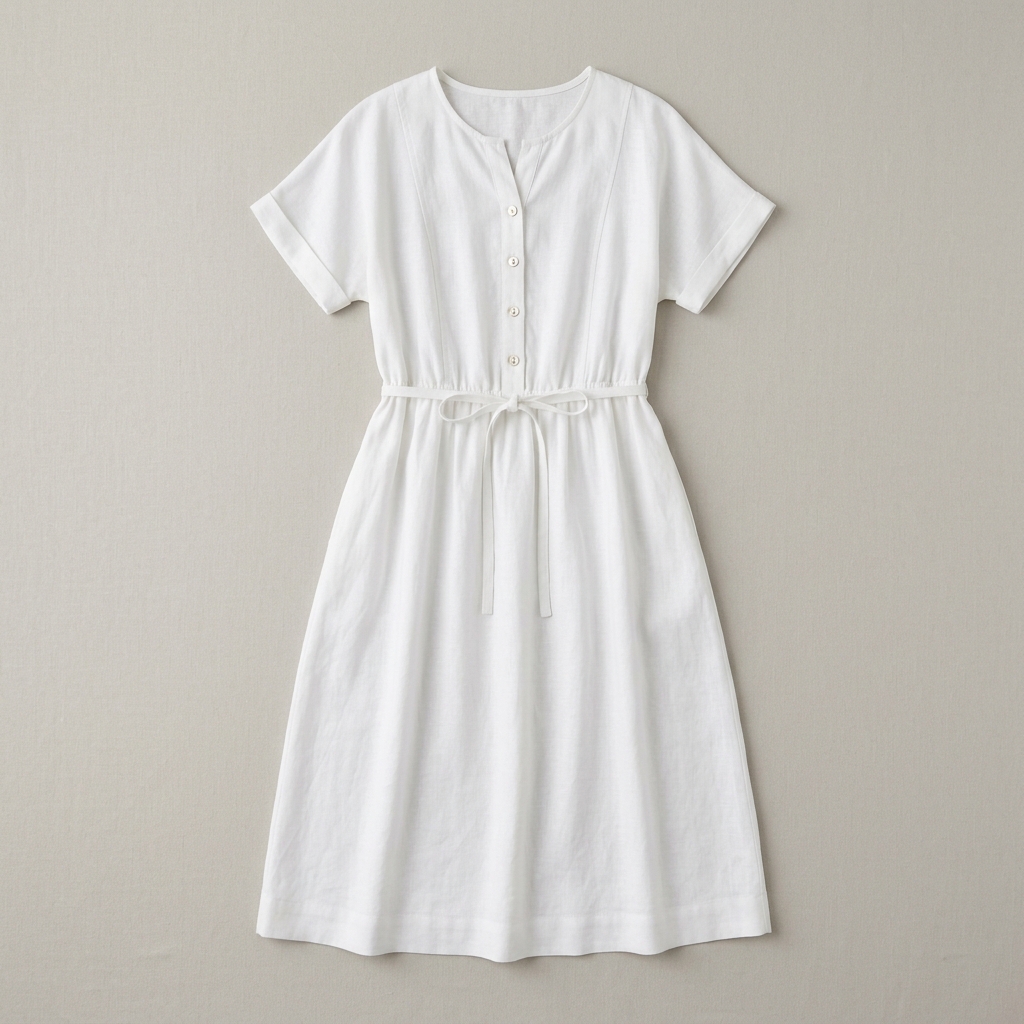
white linen dress
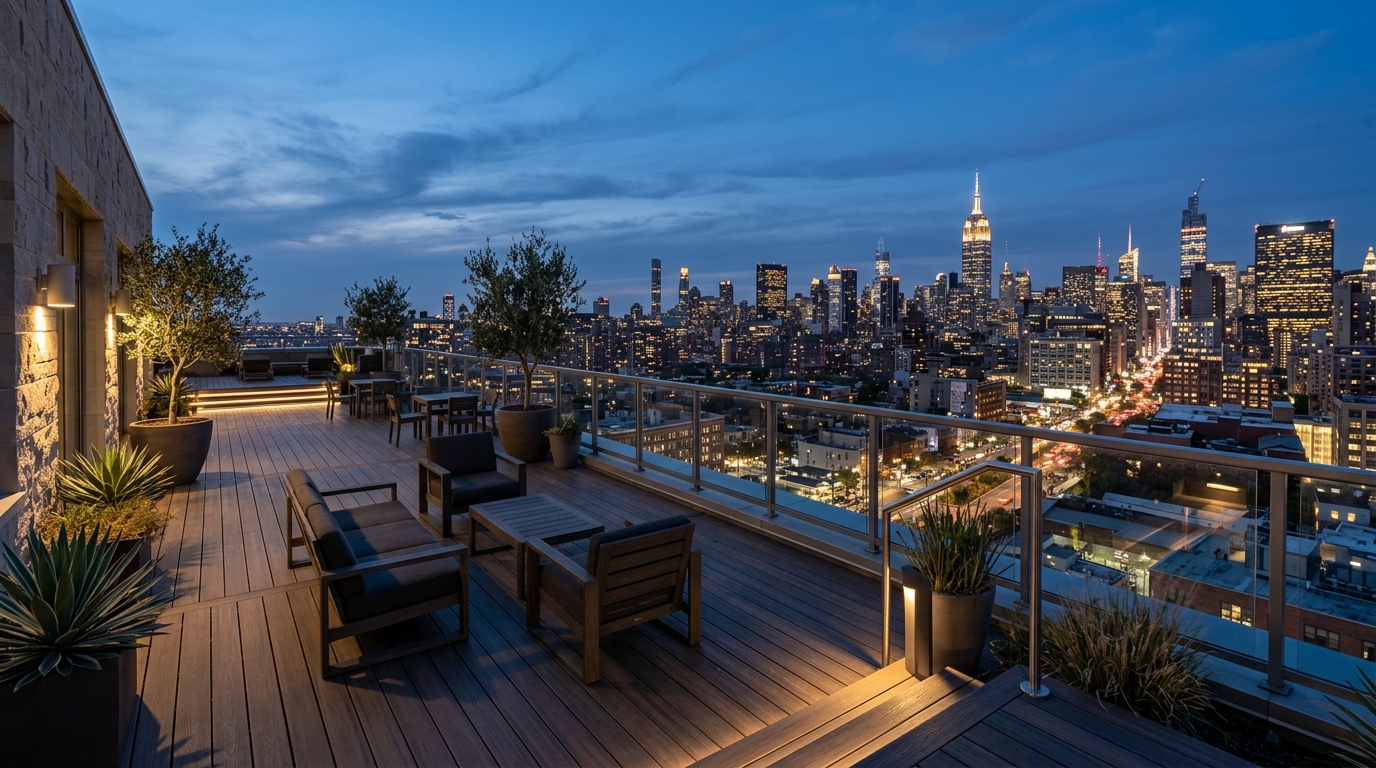
rooftop skyline
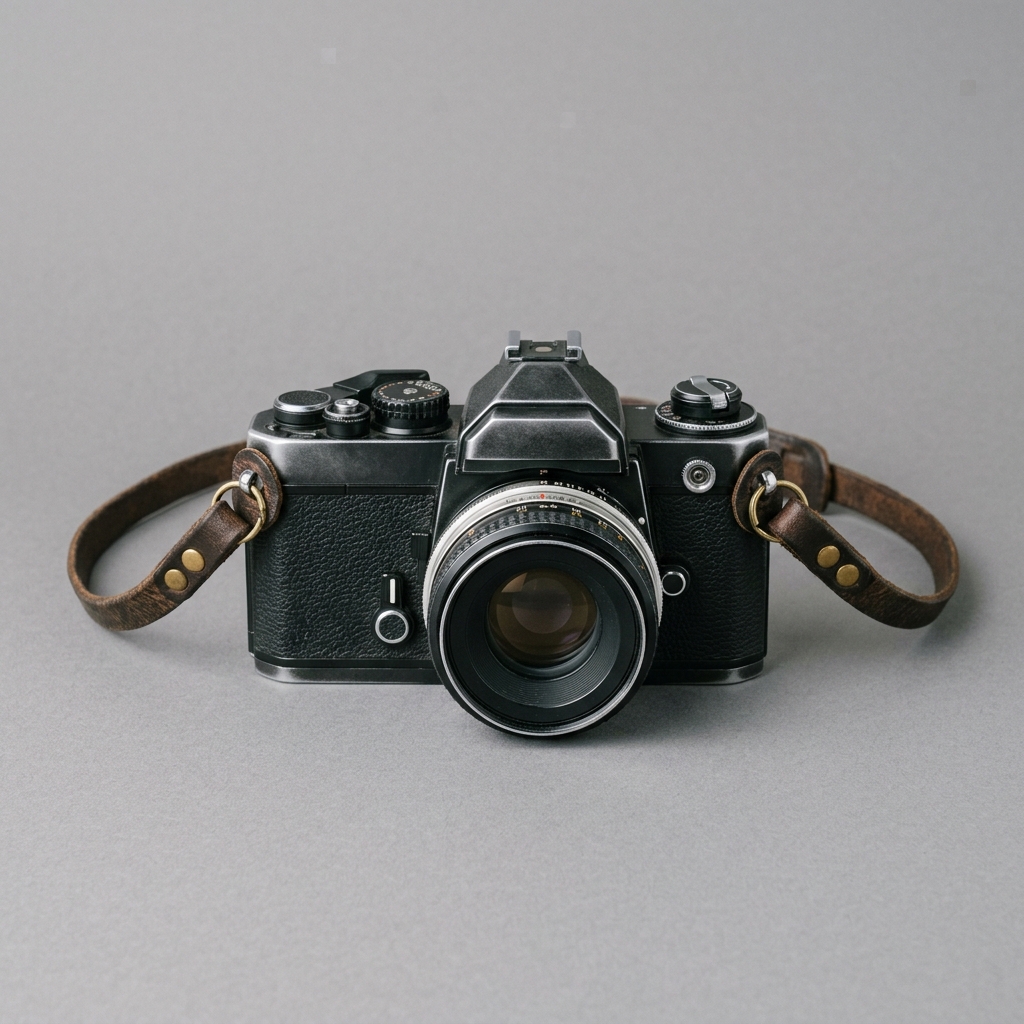
film camera
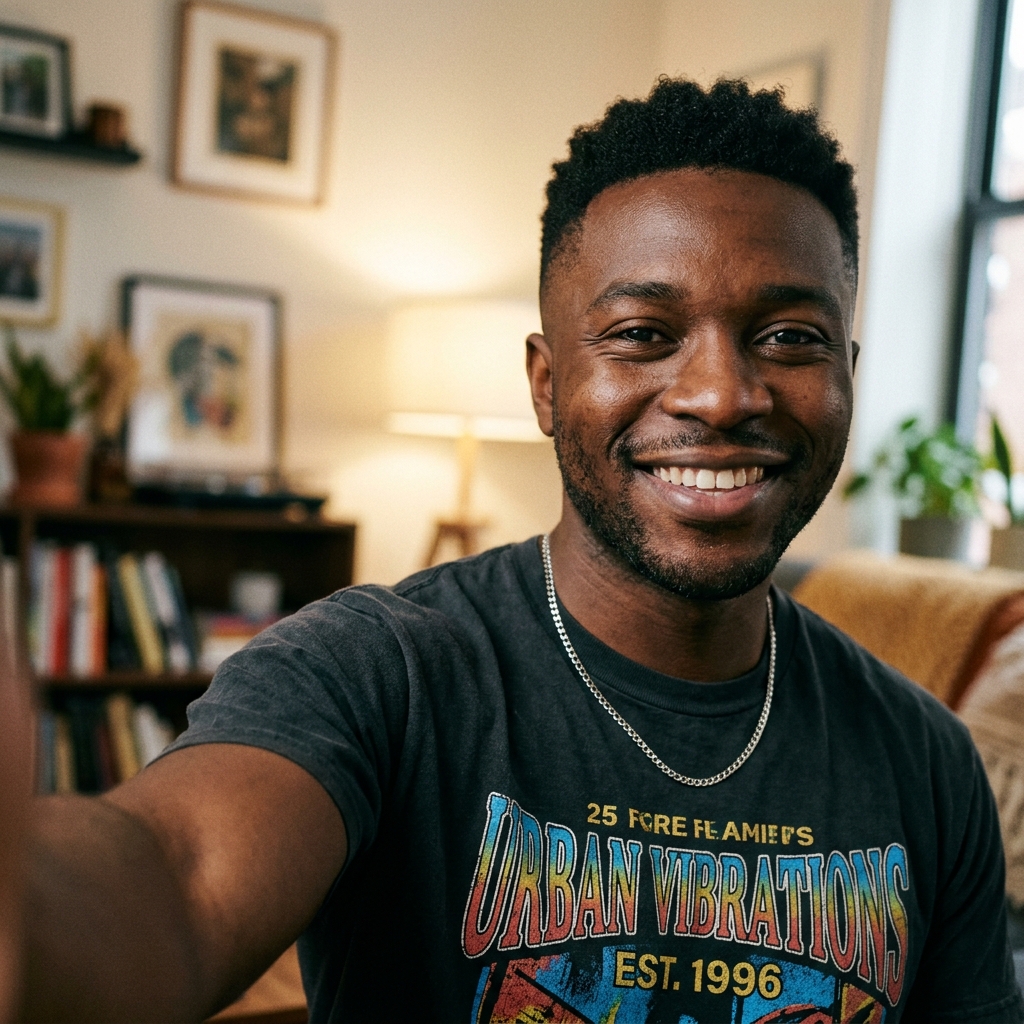
marcus

golden hour beach
pick a plan
usage refreshes each month
basic
- monthly usage
- 4 generations at once
- 5 ready-made studio assets
- 10% off top-up credit packs
pro
- 2× usage
- more image and video models
- 10 generations at once
- 15 ready-made studio assets
- 15% off top-up credit packs
studio
- 10× usage
- more image and video models
- 12 generations at once
- all ready-made studio assets
- 20% off top-up credit packs
for agents and developers
same studio tools for agents
agents can run the same tools as the studio canvas agent. they can create and edit images, remove backgrounds, overlay text, create and edit video, stitch, trim, mute, and write shot prompts. they can also check usage and manage characters.
mcp
add the remote mcp url. sign in in the browser.
cli
cli with --json. npm install -g selfielab
api keys
rest api with personal sl_ keys
agents faq
Can AI agents use SelfieLab like the studio canvas agent?
Yes. Agents can run the same tools as the studio canvas agent. They can create and edit images, including batch, remove backgrounds, overlay text, create and edit video, stitch, trim, and mute video, and write shot prompts. Install the CLI with npm install -g selfielab, or call the REST API. Docs: https://selfielabstudio.com/developers and https://selfielabstudio.com/developers/cli
How do agents authenticate with SelfieLab CLI or API?
Create a personal API key in Settings, under API keys. Keys start with sl_. Pass it as Authorization: Bearer sl_... or X-API-Key: sl_..., or set SELFIELAB_API_KEY for the CLI. Install with npm install -g selfielab. Docs: https://selfielabstudio.com/developers/cli and https://selfielabstudio.com/developers/mcp
Where do I install the SelfieLab CLI for agents?
For MCP, add the remote connector URL https://selfielabstudio.com/api/mcp. OAuth opens a browser to sign in. For CLI pipelines, run npm install -g selfielab, or npx selfielab tools --json, with SELFIELAB_API_KEY. Docs: https://selfielabstudio.com/developers/mcp, https://selfielabstudio.com/api-docs, and https://selfielabstudio.com/llms.txt
be the next great content creator
Drop a character on the canvas and generate a shot.