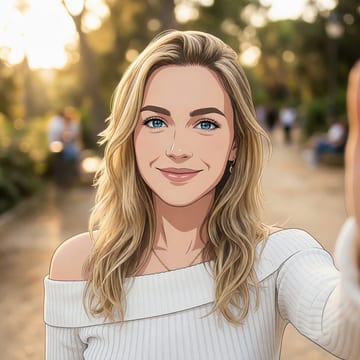
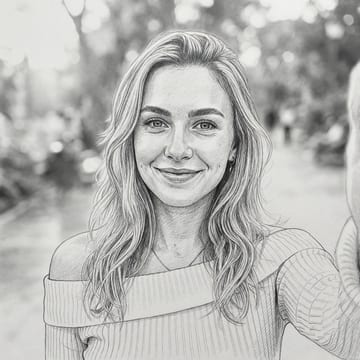
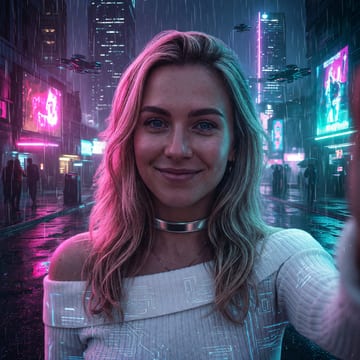
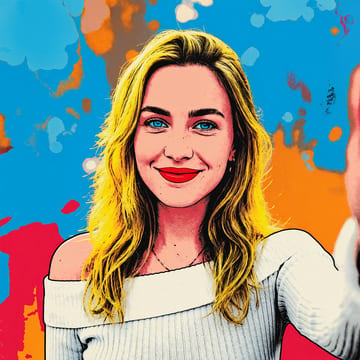
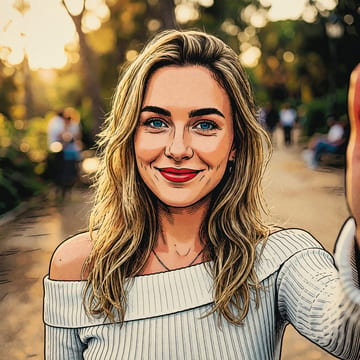
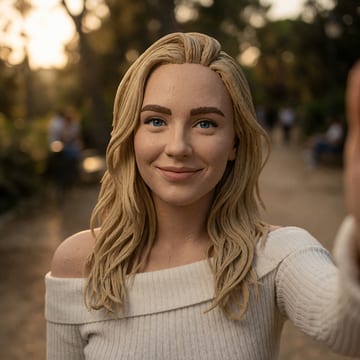
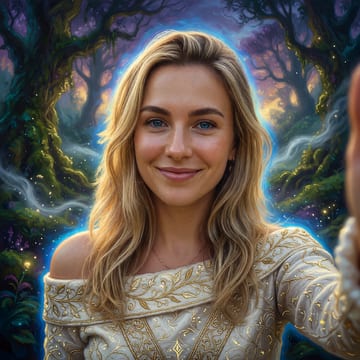
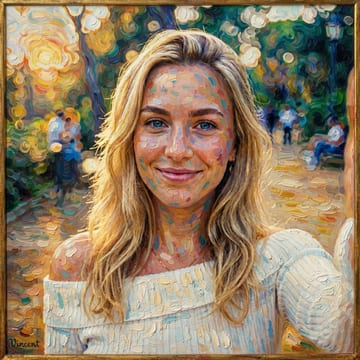
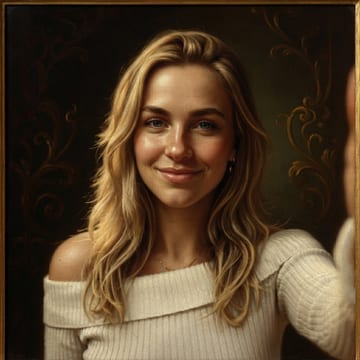
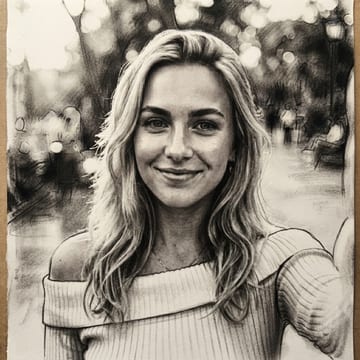
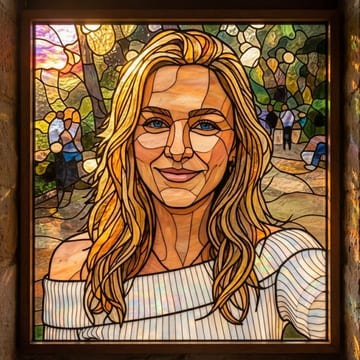
convert your photo to pixel art
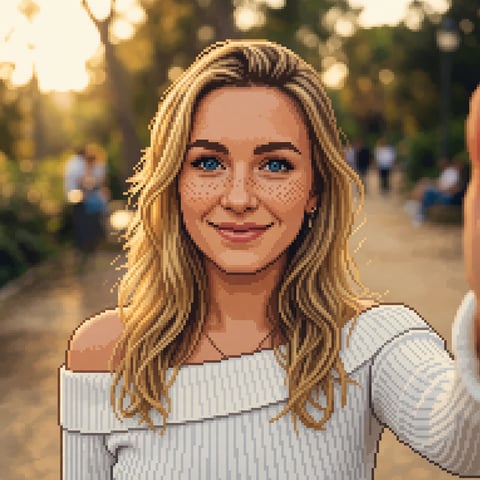
turn any photo into retro pixel art. chunky pixels, a limited palette, and 16-bit video-game charm — made from your own picture.
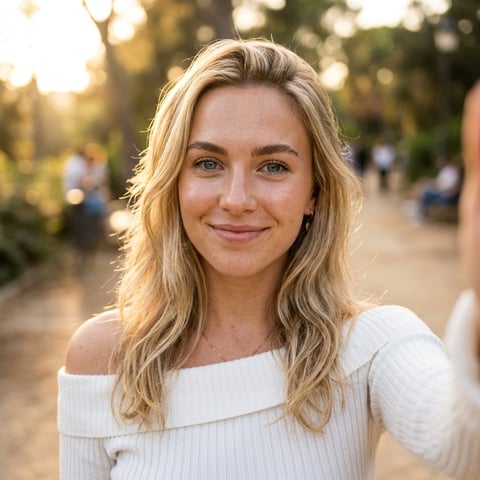
style
drop a photo here, or click to choose
jpg, png or webp · up to 10mb · your photo is only used for this conversion
about the pixel art converter
A pixel art conversion recreates your photo as detailed retro game art: crisp chunky pixels on a coarse grid, a limited 16-bit-era palette, and careful dithering for gradients — the charm of a premium 90s video-game portrait. It keeps your likeness and pose readable at pixel scale, which makes it a fun choice for avatars, stream overlays, and gaming profiles. Simple, high-contrast source photos read best once reduced to pixels.
how it works
upload a photo
jpg, png or webp — straight from your phone is fine.
convert
a production-grade ai model does the work in ~15–40 seconds.
download
full-resolution artwork, yours to keep and post anywhere.
simple one-time pricing
no account. no subscription. buy once, use on every tool.
starter pass
$3.99
10 conversions across every tool — yours forever, no subscription
≈ $0.40 per conversion
creator pass
$9.99
40 conversions across every tool — best value, no subscription
≈ $0.25 per conversion
create a free selfielab account later and unused conversions become studio credits
questions, answered
what resolution is the pixel art?+
it's rendered with deliberately chunky pixels for the retro look, delivered at full image resolution so it stays crisp.
is it good for a gaming avatar?+
yes — the 16-bit style is popular for profile pictures, stream overlays and gamer tags.
will the pixel art version still look like me?+
yes — the conversion keeps the same person, pose and composition, so the result is clearly recognizable as you, rendered in the new style.
can i try other styles with the same pass?+
yes. one pass works across every style and every tool on this site — anime, watercolor, oil painting, headshots, background removal and photo restoration.
do i need an account?+
no. you can buy a one-time pass with just a card — the pass lives in your browser. if you later create a free selfielab account, any unused conversions convert into studio credits.
is this a subscription?+
no. passes are a single one-time payment. your conversions never expire and there is nothing to cancel.
what happens to my photo?+
your photo is uploaded securely, used for this conversion, and isn't shared or used to train models. you own the result.
what resolution do i get?+
full-resolution output, no watermark. every conversion is yours to download and post anywhere.